
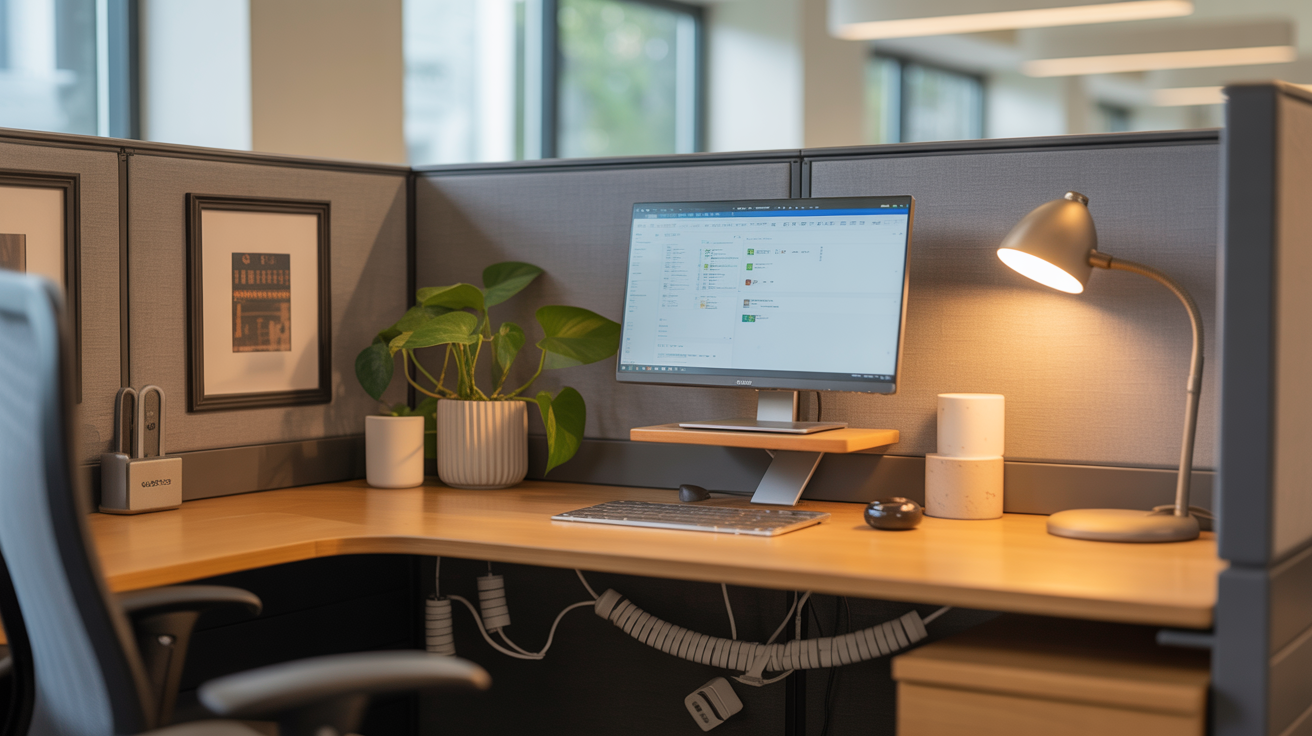
Your work cubicle desk setup has more impact on your daily mood and productivity than most people give it credit for. A cluttered, uncomfortable, and impersonal cubicle drains energy before the first meeting of the day even starts. The good news is that a few intentional changes can turn even the most standard office cubicle into a space that actually feels good to sit in for eight hours.
Most people spend more waking hours at their work desk than anywhere else in their lives, which makes the cubicle setup conversation worth having seriously. Yet the average office cubicle looks exactly like it did on day one: a bare desk, a monitor, and a chair that was clearly chosen by someone who has never sat in it for longer than five minutes. You deserve better than that, and the fixes are simpler than you might think.
This article covers ten practical work cubicle desk setup ideas that real office workers use to improve comfort, focus, and the general feeling of their workspace. None of these ideas requires permission from facilities management or a significant budget. They are the kind of changes that take an afternoon to implement and make every workday noticeably better from that point forward.
What a Good Work Cubicle Desk Setup Actually Does for You
A well-organized and comfortable cubicle desk setup does more than just look nice. Research consistently shows that a tidy, personalized workspace reduces stress, improves concentration, and increases the sense of ownership and engagement people feel toward their work. When your environment feels good, your output reflects it.
Ergonomics plays a significant role in this, too. A poorly set-up desk causes physical discomfort that compounds over months and years into real musculoskeletal problems. Getting the monitor at the right height, the chair adjusted correctly, and the keyboard in a comfortable position are not luxury considerations. They are basic requirements for working eight hours a day without damaging your body.
The psychological dimension matters just as much as the physical one. A cubicle that reflects some personal taste and intentional organization sends a quiet signal to your own brain that this is your space and you are in control of it. That sense of ownership, even in a shared office environment, has a measurable effect on motivation and daily satisfaction at work.
1. Start With a Clean, Clutter-Free Desk Surface
A clean desk surface is the foundation of any good cubicle setup, and it costs absolutely nothing to achieve. Clutter competes for your attention constantly, even when you think you’re ignoring it. Every unnecessary item on a desk surface adds a small but real cognitive load that accumulates throughout the day.
The best approach is to keep only the items you use daily within arm’s reach on the desk surface itself. Everything else goes into a drawer, a desktop organizer, or off the desk entirely. A clear surface with just a monitor, keyboard, mouse, and one or two frequently used items creates a workspace that feels calm and purposeful rather than chaotic.
A small desktop organizer with two or three compartments handles pens, sticky notes, and small accessories without taking up significant real estate. Keeping cables managed and out of sight contributes enormously to how clean a desk looks and feels. A simple cable clip or adhesive cable holder on the underside of the desk keeps cords from pooling on the floor or tangling across the surface.
2. Set Up Your Monitor at the Correct Ergonomic Height
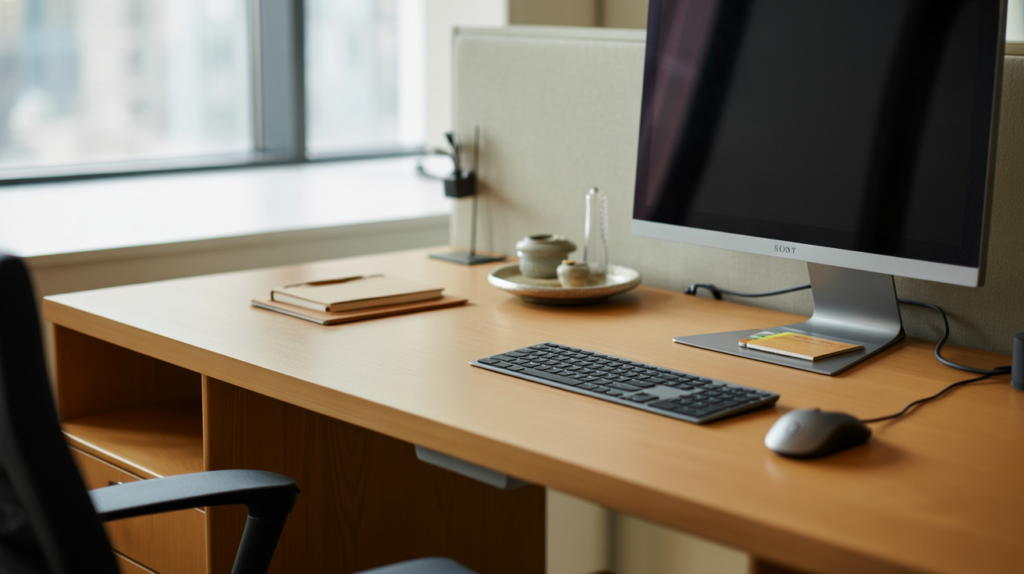
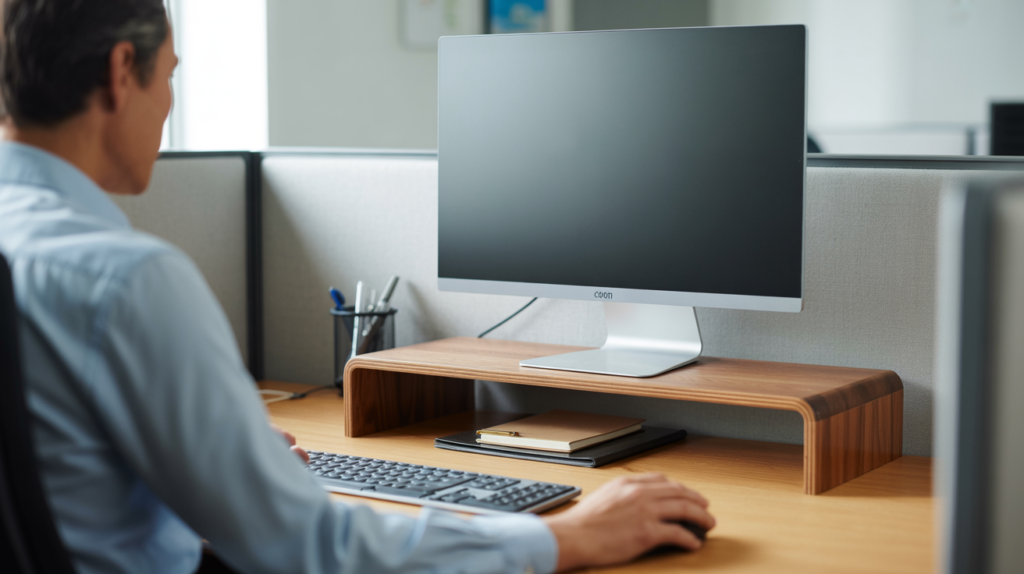
Monitor height is one of the most commonly ignored ergonomic factors in a work cubicle setup, and it causes more neck and shoulder pain than almost anything else at a desk. The top of the monitor screen should sit at or slightly below eye level when you’re seated upright. Most standard monitors sitting directly on a desk surface are far too low for the average adult.
A monitor riser or monitor arm solves this problem immediately and affordably. A simple monitor riser in wood, metal, or sturdy plastic lifts the screen to the correct height while also creating useful storage space underneath for a keyboard, notebooks, or small items. Monitor arms offer even more flexibility by allowing the screen to move in multiple directions for the perfect viewing angle.
The distance between the monitor and your eyes matters too. Most ergonomic guidelines recommend placing the screen roughly an arm’s length away, around 20 to 28 inches, depending on the screen size and your own vision. Getting both the height and distance right makes a noticeable difference in eye fatigue and neck tension by the end of the workday.
3. Add a Supportive Chair Cushion or Lumbar Support
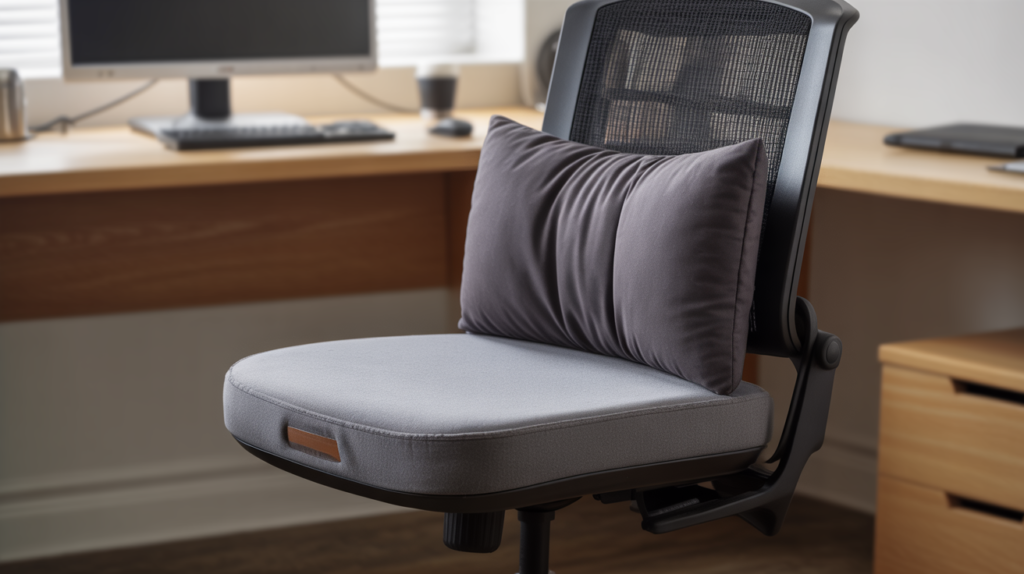
Most office chairs, especially in standard corporate cubicle environments, offer adequate but not exceptional support for long workdays. A seat cushion or lumbar support pillow addresses this gap without replacing the chair itself, which is usually not within a cubicle worker’s control anyway.
A memory foam seat cushion distributes weight more evenly and reduces pressure on the tailbone and hips during long sitting sessions. Many office workers who add a quality seat cushion report a significant reduction in afternoon discomfort within the first week of use. It’s a small addition with a daily physical benefit that adds up quickly over months of consistent use.
A lumbar support pillow placed in the lower curve of the chair back encourages the spine to maintain its natural inward curve rather than rounding forward. Rounded lower back posture is the primary driver of lower back pain in desk workers, and a simple lumbar cushion actively counters that tendency. Together, a seat cushion and lumbar support transform a mediocre office chair into something genuinely comfortable.
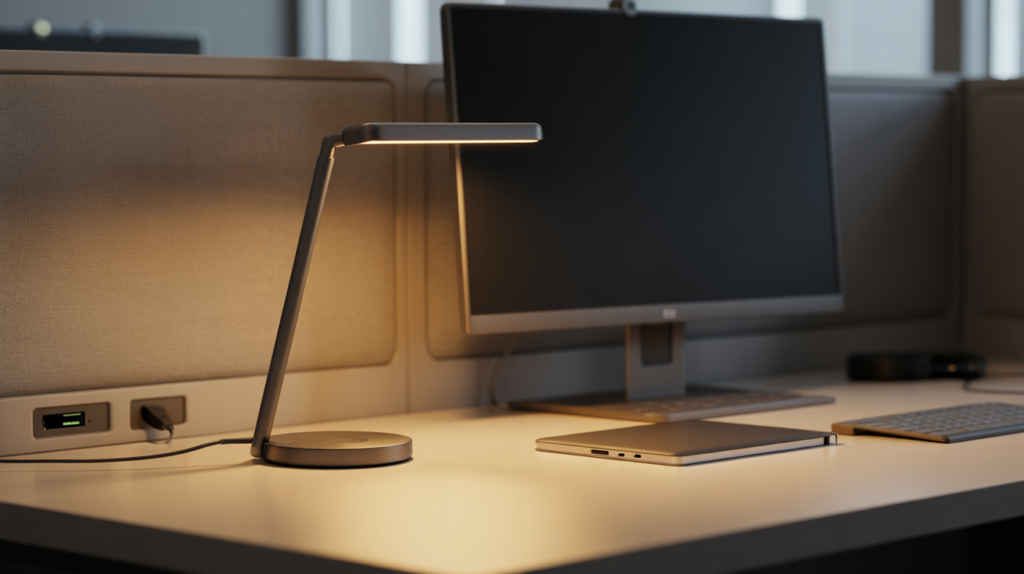
4. Bring in a Small Desk Lamp for Better Task Lighting
Office overhead lighting is designed to illuminate an entire floor plan efficiently, not to provide ideal task lighting for individual workstations. The result is often a flat, harsh light that causes eye strain over a full workday. A small desk lamp with warm or neutral light solves this problem directly and adds a personal touch to the cubicle at the same time.
LED desk lamps with adjustable color temperature are the best choice for a work cubicle setup. A color temperature around 4000K provides a clean, neutral white light that supports focus and reduces eye fatigue without the harsh blue-white tone of cool fluorescent overhead lighting. Many affordable desk lamps also include a USB charging port on the base, which is a practical bonus for a busy desk.
Positioning the lamp to the left of the monitor if you’re right-handed, or to the right if you’re left-handed, minimizes glare and shadow on the primary work surface. This simple positioning detail makes reading documents and writing by hand noticeably more comfortable. Good task lighting is one of those cubicle upgrades that people notice immediately and wonder why they waited so long to add.
5. Use a Desk Organizer System to Keep Everything in Its Place
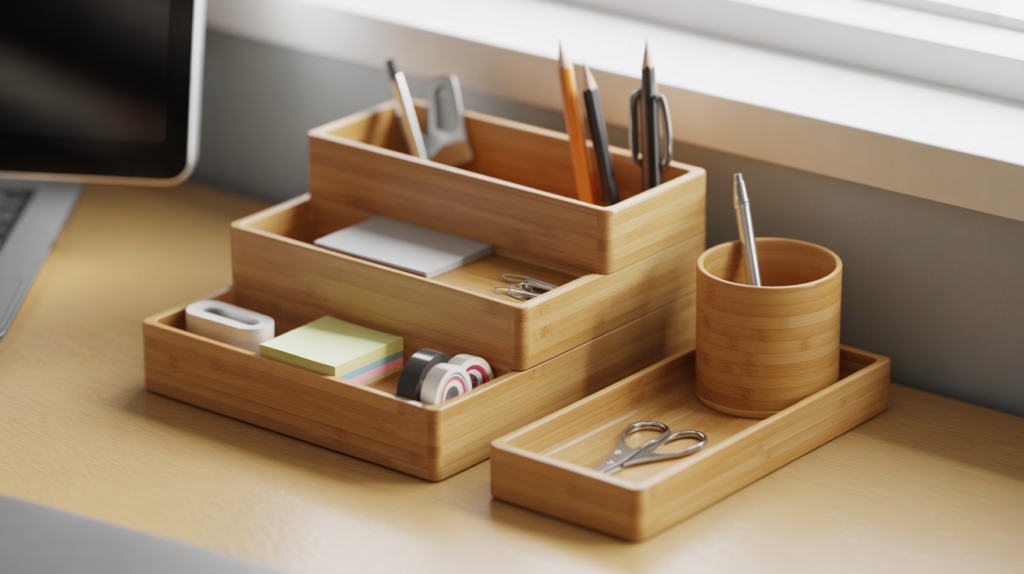
A proper desk organizer system turns a chaotic cubicle into a workspace that actually functions smoothly. When everything has a designated spot, you stop wasting time searching for pens, sticky notes, or that one document you need right now. The time saved across a full workweek adds up to something genuinely significant.
A tiered desktop organizer with separate compartments for different categories works far better than a single pen cup or a generic tray. Dedicate one section to writing tools, one to sticky notes and paper clips, and one to items you reach for less frequently, like scissors or a stapler. This kind of intentional categorization makes the desk feel organized rather than just tidier.
Drawer organizers deserve equal attention. Most cubicle desks come with at least one drawer that quickly becomes a catch-all for everything that doesn’t have a home. A simple set of plastic or bamboo drawer dividers costs very little and transforms that chaotic drawer into a genuinely useful storage space. An organized drawer means a cleaner desk surface, which brings the whole setup together.
6. Personalize Your Cubicle Walls With Meaningful but Minimal Decor
Cubicle walls are some of the most underused real estate in an office setup. A few well-chosen personal touches on the wall panels make the space feel like yours rather than a generic workstation that anyone could be sitting in. The keywords there are few: one or two intentional pieces work far better than covering every inch of fabric wall in photos and notes.
A small framed print, a motivational quote in a simple frame, or two or three personal photos arranged neatly on one wall panel add personality without creating visual clutter. Many cubicle workers find that a single image of somewhere they love or something that makes them smile provides a genuine mood lift during stressful moments in the workday. That sounds small, but the cumulative emotional effect over months and years is real.
A small cork strip or magnetic board mounted on one wall panel keeps important notes, reminders, and to-do items visible without covering the desk surface in sticky notes. This keeps the desk clean while still giving you a visual reference point for ongoing tasks. Keeping the board updated and removing outdated notes regularly maintains the organized, intentional quality of the whole setup.

7. Add a Small Plant to Bring Life Into the Cubicle
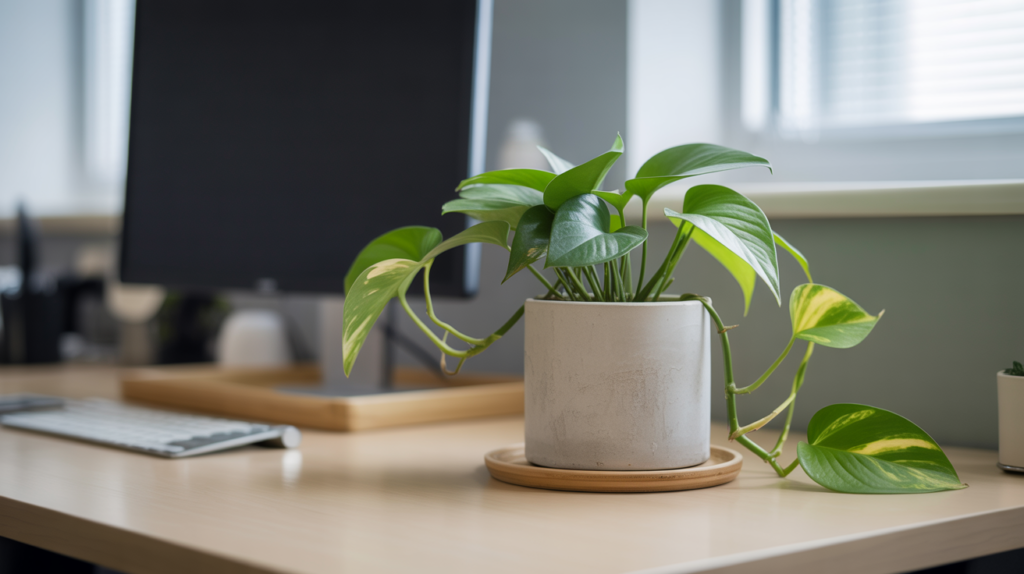
A small plant in a work cubicle does more than just look nice. Studies from multiple workplace research institutions consistently show that the presence of plants in office environments reduces stress, improves air quality perception, and increases reported satisfaction with the workspace. For something that costs under twenty dollars and requires watering once a week, the return is genuinely impressive.
Low-light-tolerant plants work best in cubicle environments because most office spaces receive limited natural light. Pothos, snake plants, ZZ plants, and peace lilies all thrive in indirect or artificial light and handle occasional missed watering without complaint. A small pothos in a simple ceramic pot on the corner of the desk adds a natural, living quality to the cubicle that no amount of decor can fully replicate.
Keeping the plant small and contained is important in a limited cubicle space. A single plant in a pot no larger than 4 to 6 inches fits neatly on a desk corner or monitor riser shelf without taking up valuable work surface. One healthy, well-chosen plant always looks more intentional than three struggling ones crammed into a corner.
8. Manage Cables for a Cleaner and More Professional Look
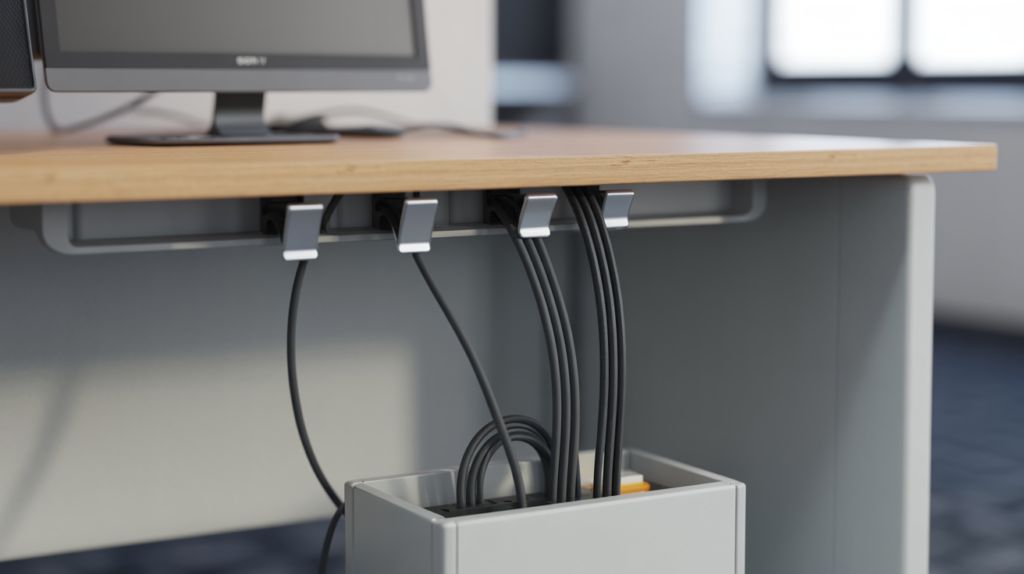
Cable clutter is one of the fastest ways to make an otherwise tidy cubicle desk setup look messy and unorganized. Most cubicle desks accumulate a surprising number of cables: monitor, keyboard, mouse, phone charger, desk lamp, and possibly a laptop or docking station. Without a management system, these cables tangle, drape across the desk, and create a chaotic visual backdrop to an otherwise clean workspace.
Adhesive cable clips mounted along the underside or back edge of the desk keep individual cables routed neatly out of sight. A cable sleeve or spiral wrap bundles multiple cables running in the same direction into a single tidy line. These two solutions together handle the majority of cable management challenges in a standard cubicle setup and cost very little to implement.
A small cable box or power strip cover on the floor hides the power strip and excess cable length that inevitably pools beneath the desk. This floor-level clutter is easy to overlook because it sits below the natural sightline, but it contributes to the overall visual noise of the space more than most people realize. Addressing it completes the clean, organized look that good cable management creates above the desk.
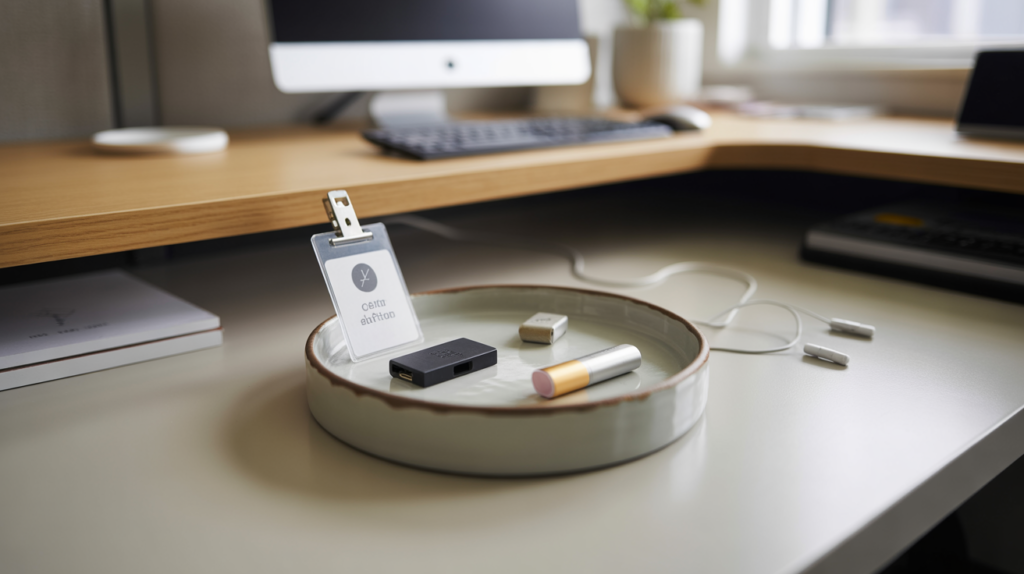
9. Keep a Small Tray or Catch-All for Daily Essentials
A small tray or catch-all dish on the desk surface solves one of the most common cubicle clutter problems: the random accumulation of small items with no designated home. Keys, a phone, a USB drive, lip balm, a badge or access card, and similar daily essentials tend to scatter across the desk surface without a specific spot to land. A single small tray collects all of these items in one place and keeps the rest of the desk clear.
Ceramic, marble-look, or simple matte plastic trays all work well for this purpose. The material and finish should complement the overall desk aesthetic rather than clash with it. A warm wood desk pairs nicely with a ceramic or stone tray, while a more modern or minimal setup suits a clean matte black or white option.
Keeping the tray edited is just as important as having one. If it starts accumulating items that don’t belong there, it becomes a clutter magnet rather than an organizational tool. A quick ten-second tidy at the end of each workday keeps the tray functional and the desk surface consistently clean throughout the week.
10. Set Up a Second Monitor or a Laptop Stand for Better Workflow
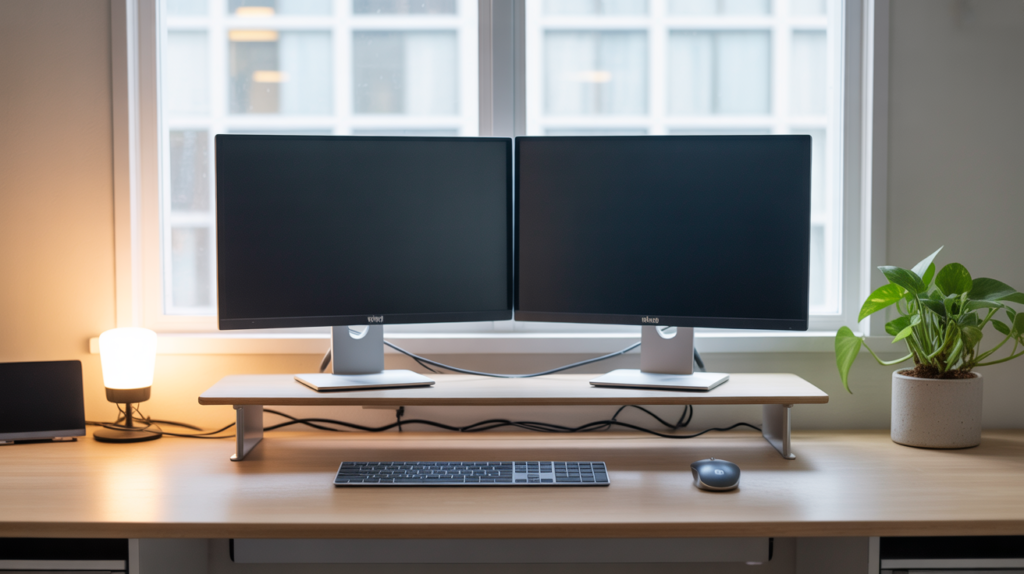
A second monitor or a well-positioned laptop stand is one of the single most productivity-improving additions to a work cubicle desk setup. Working across two screens eliminates the constant switching between windows and tabs that fragments attention and slows down complex tasks. Most office workers who add a second monitor report feeling significantly more efficient within the first few days.
Before adding a second monitor, check with your IT or facilities department about what’s permitted in your specific office environment. Many workplaces actively support dual monitor setups and will provide the necessary equipment or cables. If a second monitor isn’t an option, a laptop stand that raises the laptop screen to eye level while connecting an external keyboard and mouse below delivers a similar ergonomic and productivity benefit.
Positioning the second monitor at the same height and roughly the same distance from the eyes as the primary monitor prevents the neck strain that comes from constantly looking up, down, or sharply to the side. Placing the secondary screen directly beside the primary one with a minimal gap between them creates the most natural and comfortable dual-screen viewing experience for a full workday.
Work Cubicle Desk Setup Ideas at a Glance
| Cubicle Upgrade | Primary Benefit | Approximate Cost |
| Monitor riser or arm | Correct screen height, less neck pain | $15 to $60 |
| Desk lamp with LED | Better task lighting, less eye strain | $20 to $50 |
| Seat cushion or lumbar support | Improved comfort for long sitting | $25 to $60 |
| Desktop organizer system | Clutter-free surface, faster workflow | $15 to $40 |
| Cable management clips or sleeve | Cleaner look, less visual noise | $8 to $20 |
| Small indoor plant | Stress reduction, improved mood | $10 to $25 |
| Catch-all tray | Daily essentials organized in one spot | $10 to $30 |
| Second monitor or laptop stand | Better productivity, ergonomic screen height | $20 to $200 |
The Small Details That Tie a Great Cubicle Desk Setup Together
The difference between a cubicle that looks thoughtfully set up and one that just looks tidy often comes down to a handful of small finishing details. A consistent color palette across desk accessories, a matching set of organizers, and a cohesive material choice between items like the pen cup, tray, and plant pot all contribute to a setup that feels intentional rather than assembled from whatever was available at the time.
Scent is another small detail that surprisingly few office workers think about. A subtle, solid fragrance diffuser or a small sachet with a light, clean scent near the desk creates a sensory environment that feels fresher and more personal than the standard office air. This is not about filling the cubicle with a strong fragrance that bothers colleagues. It’s about a quiet background note that makes your specific workspace feel like yours.
Keeping a small notebook on the desk for quick handwritten notes is a habit that many productive office workers swear by. Digital note-taking tools are useful, but the physical act of writing something down by hand improves memory retention and provides a satisfying tactile break from keyboard and screen work. A slim, good-quality notebook in a cover that matches the desk aesthetic is a small but meaningful addition to any cubicle setup.
Conclusion
A good work cubicle desk setup is not about spending a lot of money or making dramatic changes. It’s about making deliberate, practical decisions that improve how the space looks, feels, and functions over the course of a long workday. The ten ideas in this article each address a specific aspect of the cubicle experience, from ergonomics and lighting to organization and personal expression.
Starting with the fundamentals makes the biggest difference fastest. A clean desk surface, a monitor at the correct height, and better task lighting from a desk lamp address the three most common sources of daily discomfort in a standard cubicle setup. Build from there by adding organization systems, a small plant, and personal decor touches that make the space feel yours genuinely.
The cumulative effect of these changes is a cubicle that supports focus, reduces physical discomfort, and makes the workday feel more manageable and even enjoyable. That might sound like a lot to ask from a desk lamp and a plant, but anyone who has transformed their cubicle setup knows exactly what a difference the right environment makes. Your workspace shapes your workday more than almost anything else, so it’s worth getting right.
Frequently Asked Questions
What is the best way to organize a small work cubicle desk? Start by clearing the desk surface of everything except daily essentials, then use a tiered desktop organizer for supplies and drawer dividers for everything else. Keeping only frequently used items within arm’s reach and storing everything else out of sight creates a consistently clean and functional small cubicle desk setup.
What plants work best in a work cubicle with no natural light? Pothos, ZZ plants, snake plants, and peace lilies all handle low-light office environments well and require minimal watering. These varieties stay compact, look healthy under artificial lighting, and add genuine visual warmth to a cubicle without demanding the kind of attention that most office workers don’t have time to give.
How do I make my work cubicle feel more personal without breaking office rules? Focus on small, removable additions like a framed photo or print on the wall panel, a personal plant in a ceramic pot, a matching set of desk accessories in a color you like, and a quality desk lamp. These changes personalize the space significantly without altering the cubicle structure or creating anything that facilities management would flag.
What is the most important ergonomic upgrade for a cubicle desk setup? Monitor height is the single most impactful ergonomic adjustment for most cubicle workers. A monitor riser or arm that brings the top of the screen to eye level immediately reduces neck and shoulder strain that accumulates over months of looking down at a screen sitting too low on the desk surface.
How much should I budget for a complete cubicle desk setup upgrade? A complete cubicle upgrade covering lighting, ergonomics, organization, and basic personalization typically costs between $80 and $200 when approached thoughtfully. Prioritizing the ergonomic additions first, the monitor riser, seat cushion, and lumbar support deliver the most immediate daily benefit before moving on to organizational and decorative additions.
Can a better cubicle desk setup really improve productivity? A well-organized, ergonomically sound, and personally comfortable workspace consistently supports better focus and efficiency compared to a cluttered or physically uncomfortable one. Reducing the physical discomfort of long sitting, eliminating the cognitive load of clutter, and creating a space that feels motivating all contribute to measurable improvements in daily output and work satisfaction.
What is the best desk lamp for a work cubicle setup? An LED desk lamp with adjustable color temperature and brightness is the best choice for a work cubicle. Look for a lamp with a color temperature range that includes around 4000K for focused daytime work, a flexible or adjustable neck for precise positioning, and a small footprint that fits comfortably on a cubicle desk without taking up significant surface space.